Onshape to robot

Contents:

  • Getting started
  • Design-time considerations
  • Configuration (config.json)
  • URDF
  • SDF
  • MuJoCo
  • Handling kinematic loops
  • Processors
  • Cache
Onshape to robot
  • Onshape-to-robot documentation
  • View page source

Onshape-to-robot documentation


What is this ?

_images/main.png

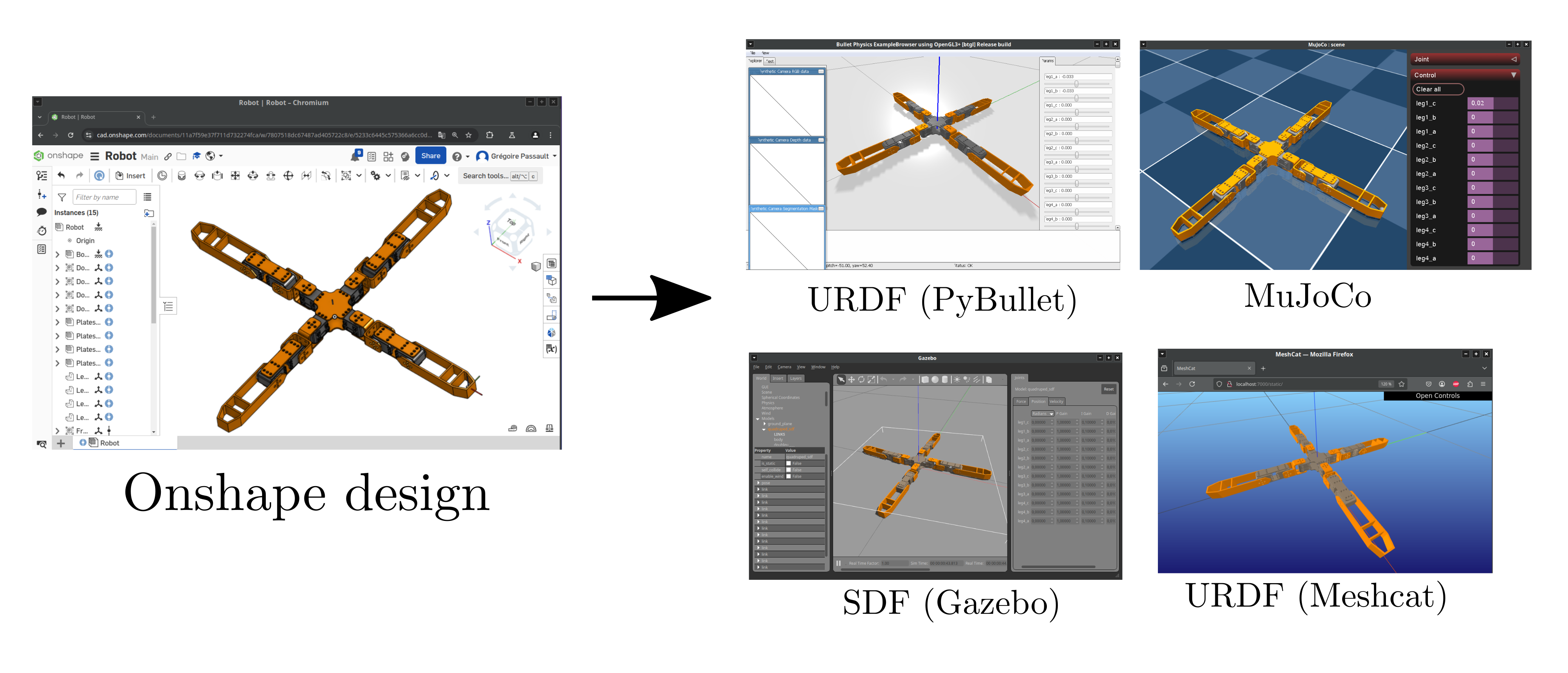
onshape-to-robot is a tool that allows you to export robots designed from the Onshape CAD software to descriptions format like URDF, SDF or MuJoCo, so that you can use them for physics simulation or in your running code (requesting frames, computing dynamics etc.)

  • onshape-to-robot GitHub repository

  • Robots examples GitHub repository

  • onshape-to-robot on pypi

  • video tutorial (some information may be outdated)

Contents:

  • Getting started
    • Installing the package
    • Setting up your API key
    • Setting up your export
    • Testing your export
    • What’s next ?
  • Design-time considerations
    • Workflow overview
    • Specifying degrees of freedom
    • Inverting axis orientation
    • Naming links
    • Adding custom frames in your model
    • Joint frames
    • Fixed robot
    • Robot with multiple base links
    • Gear relations
  • Configuration (config.json)
    • Specific entries
    • config.json entries
  • URDF
    • Introduction
    • config.json entries (URDF)
  • SDF
    • Introduction
    • config.json entries (SDF)
  • MuJoCo
    • Introduction
    • config.json entries (MuJoCo)
  • Handling kinematic loops
    • Introduction
    • Specifying closing constraints
    • Support for <equality> in MuJoCo
    • Ressources
  • Processors
    • Introduction
    • Retrieve and Convert Modes
  • Cache
    • Presentation
    • Clearing the cache
Next

© Copyright 2025, Rhoban.

Built with Sphinx using a theme provided by Read the Docs.